Widgets you design
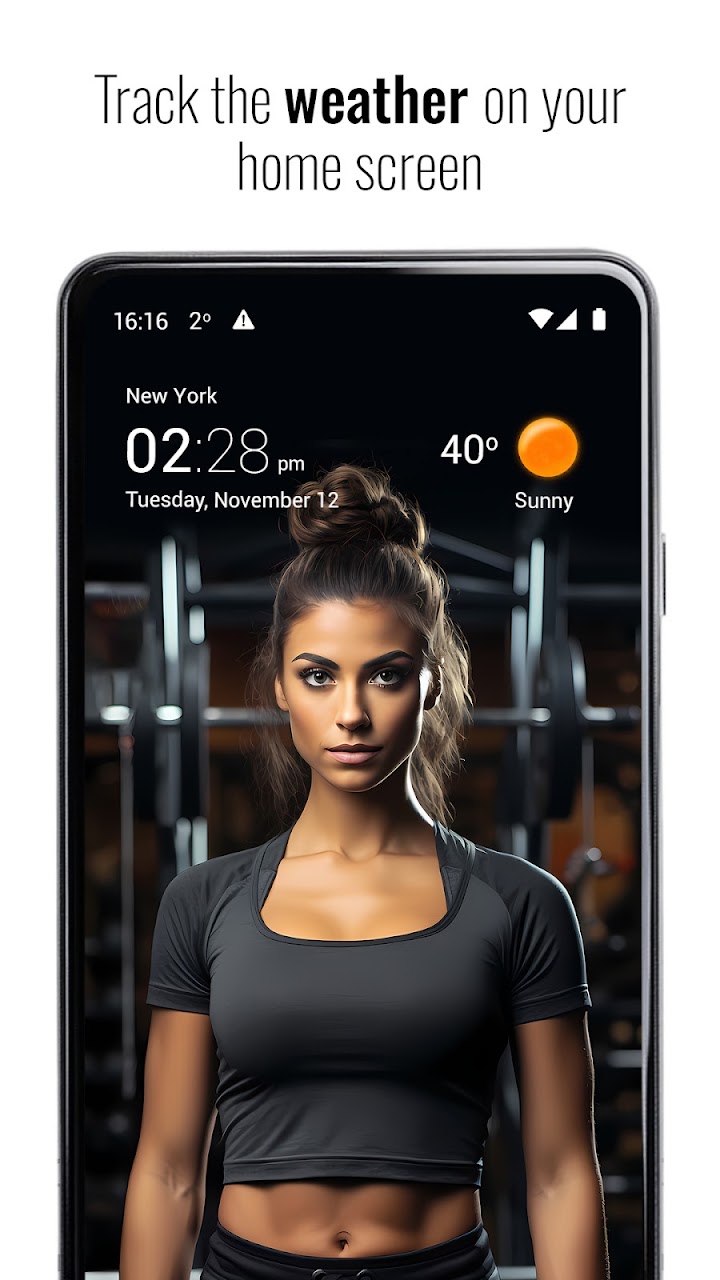
15 clock and weather widgets, from a slim 2×1 to a 5×2 forecast graph. Pick a skin and an icon pack, set the colours and the transparency, and give each widget its own location.
Android · Free · 70M+ installs
Transparent Clock & Weather is a free Android app that puts the time and your local weather on the home screen in transparent widgets you style yourself. Behind the widgets is a full weather app: live radar, hourly and 10-day forecasts, an activity planner and, with Premium, severe weather alerts. It has more than 70 million installs on Google Play.

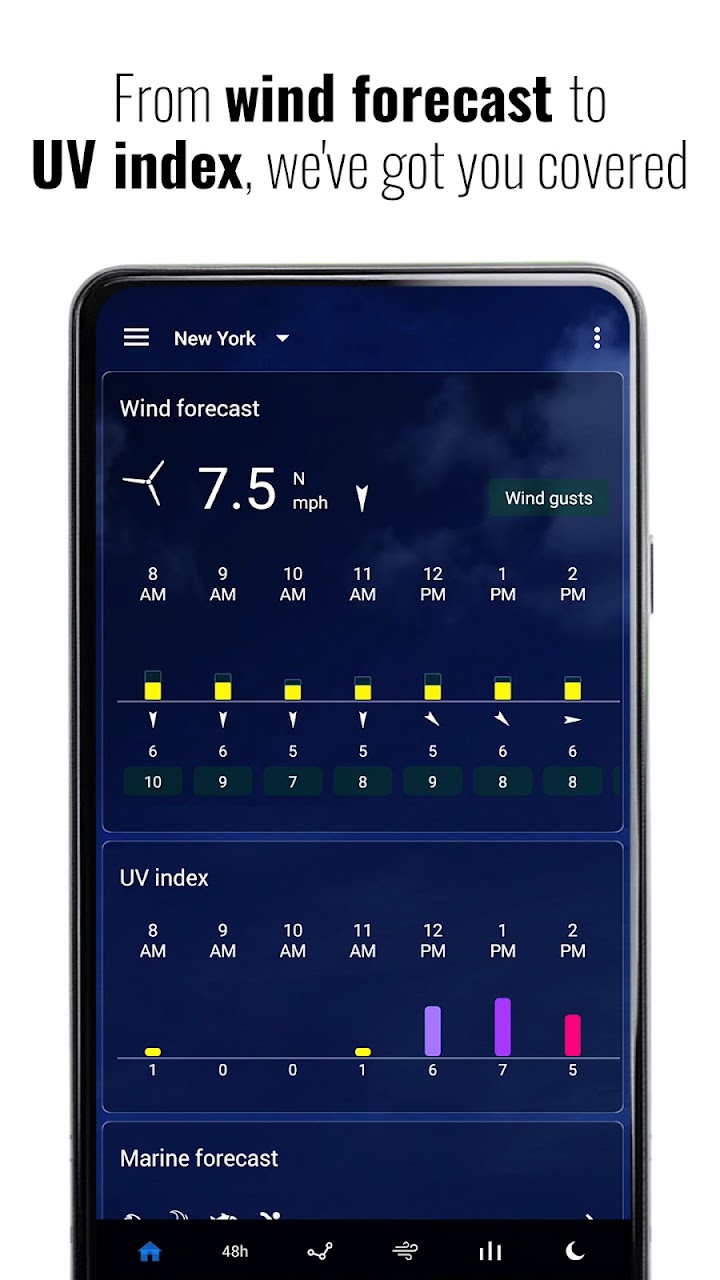
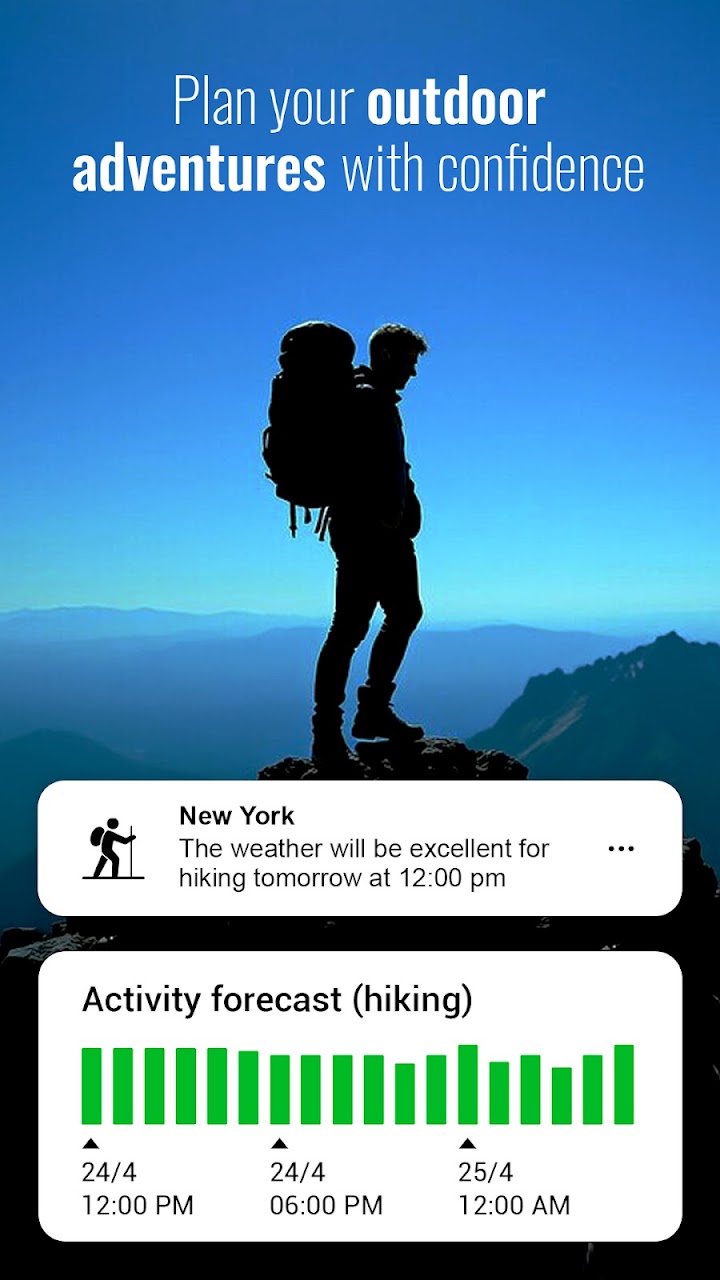
A clock and weather widget first, with a complete weather app behind it.
15 clock and weather widgets, from a slim 2×1 to a 5×2 forecast graph. Pick a skin and an icon pack, set the colours and the transparency, and give each widget its own location.
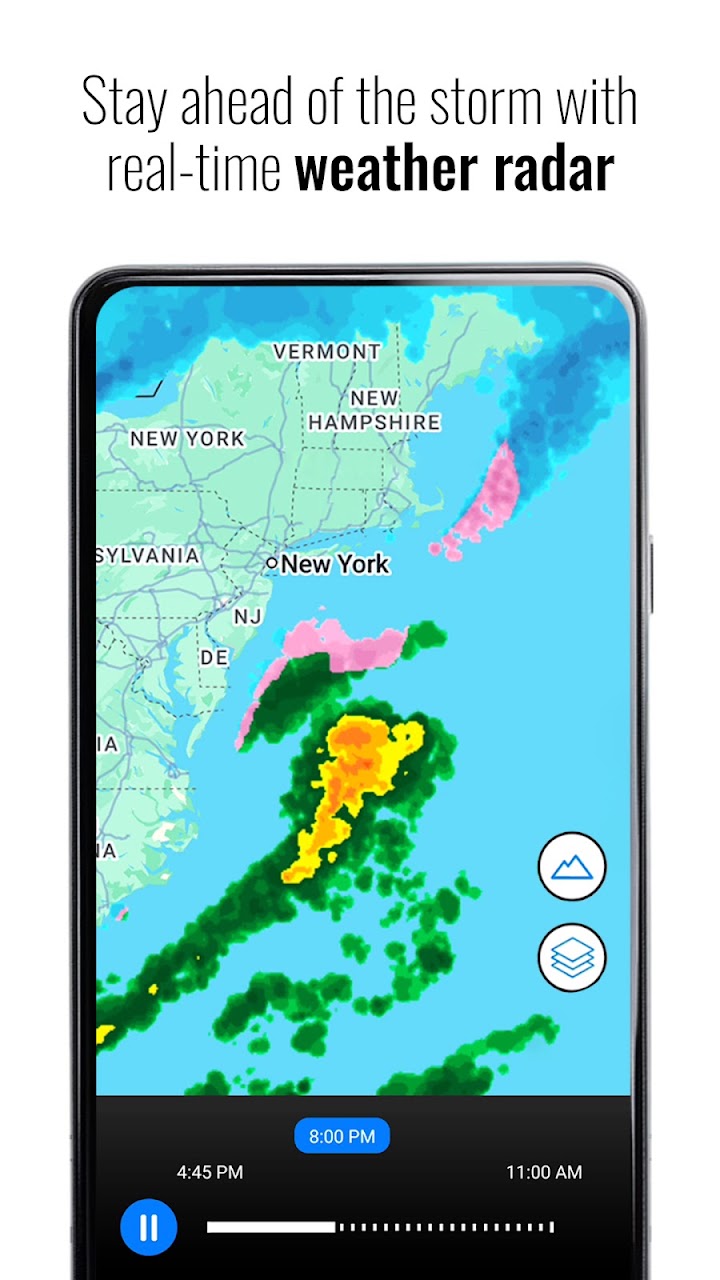
An animated radar map shows rain, snow and storms moving across the region, so you can see what is heading your way and when.
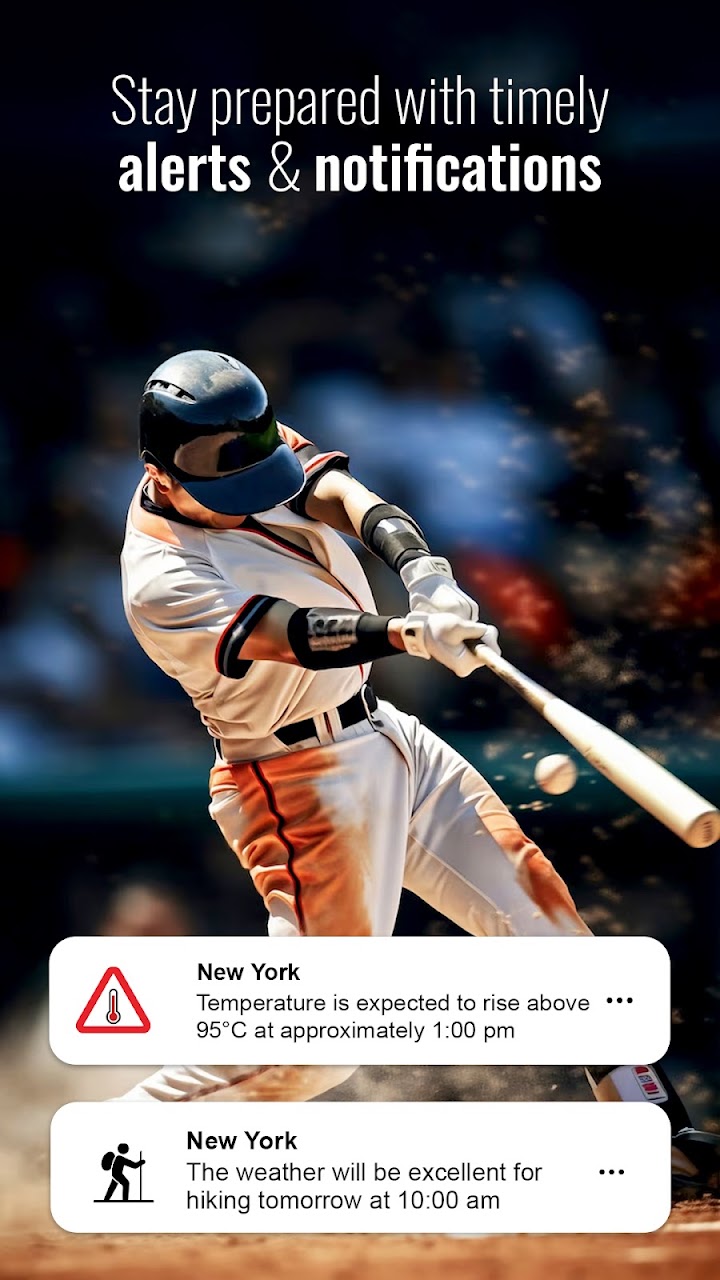
A Premium feature: notifications for storms, heavy rain, high winds and other severe weather near you. In the US the app can use National Weather Service warnings.
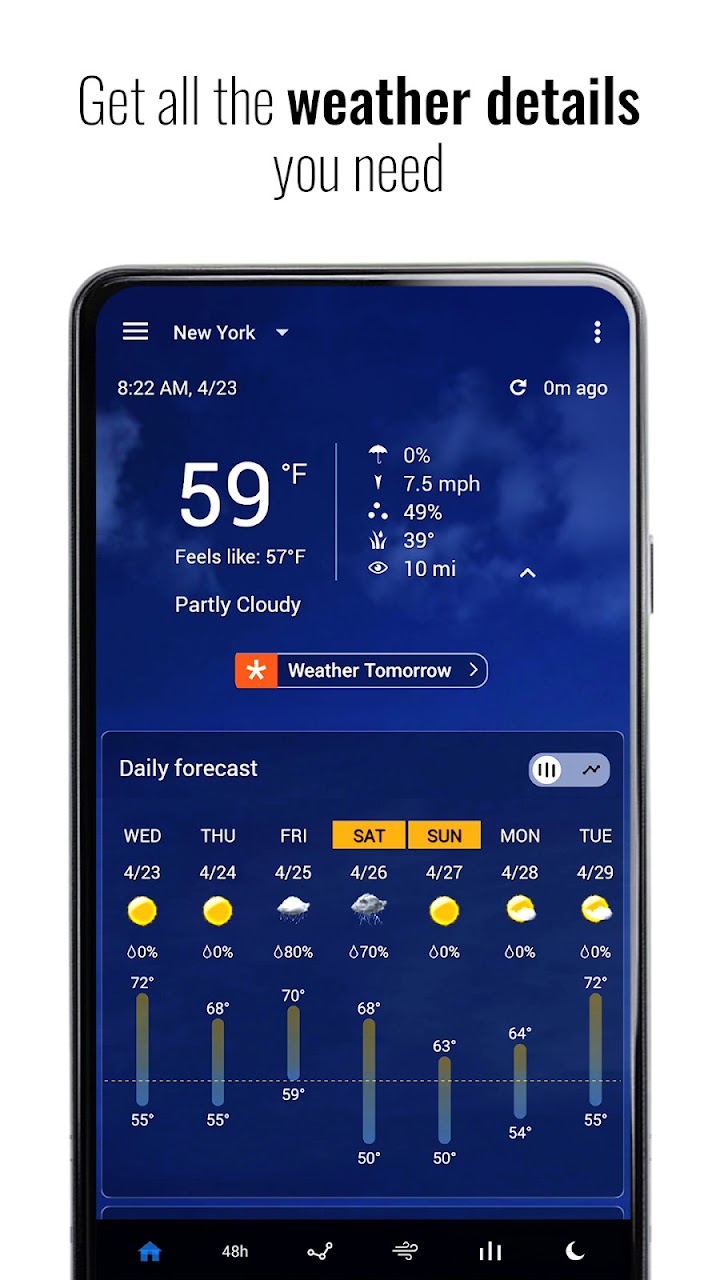
Up to 10 days ahead (7 days with National Weather Service data). Temperature, feels-like, rain probability, wind, humidity, pressure, UV index, visibility, sunrise and sunset, moon phase and air quality.
Rates the hours ahead for running, hiking, fishing and other outdoor plans, using rain, wind and UV in the forecast.
Forecasts come from Foreca by default. You can switch to Met.no, OpenWeatherMap or Open-Meteo in the settings.
The app is free to download and use, with ads. Premium is an optional subscription; prices are shown in the app and vary by country.
Premium adds:
Prefer to pay once? Transparent Clock & Weather Pro is the same app without ads, sold as a one-time purchase on Google Play.
| Platform | Android 7.0 or later (phones and tablets) |
|---|---|
| Price | Free, with an optional Premium subscription |
| Installs | More than 70 million on Google Play |
| Languages | More than 45 |
| Weather data | Foreca (default), Met.no, OpenWeatherMap, Open-Meteo; US National Weather Service warnings |
| Developer | MACHAPP Software Ltd, Limassol, Cyprus |
More answers in the Transparent Clock & Weather help, available in over 30 languages, and the general FAQ.
Free on Google Play. No account needed.